
Windows 10 support has ended! Has your business upgraded?
Client Support: (866) 437-6325
Sales Inquiries: (855) 788-4805

IT Support Your Team Can Count On
We Help Businesses in Madison Stay Secure, Efficient, and Stress-Free
One place to report issues and receive clear follow-through.
Recurring problems reviewed instead of repeatedly patched.
Day-to-day support that helps employees get back to work.

How Can We Help?
We're here to help you get more our of your IT. The first step is to schedule a no-pressure introductory call:


OUR EXPERT TEAM KEEPS YOU SECURE AND COMPLIANT

Joe Ruskey
President

Tina Ruskey
Owner

Brandon Harris
CTO

Justin Hundt
Team Lead

Chris Evans
Team Lead

Jason Coughlin
Customer Success Engineer

Patrick Gokey
Azure Admin

Kyle Hoffman
Technical Project Manager

Matt Semrau
Network Engineer

Sushant Devgan
Server Engineer

Cody Leis
IT Technician

Dalton Hendrix
IT Technician

Hunter Stout
IT Technician

Mitchell Sadler
IT Technician

Blaine Irish
Server Engineer

Steve Daniel
Managed Services Manager

Mohd Daud
Service Desk Tech

Ethan Nevsimal
Service Desk Tech

Madison Linder
IT Technician

Chad Kuhns
IT Technician

Zach Thomas
IT Technician

Tony Wedgeworth
COO

Angela Pendleton Ford
IT Dispatcher

Joseph Ruskey
Cloud & Security Engineer

Michael Savage
Team Lead

Simon
IT Technician

Chris Timmerman
IT Technician

Riley Judkins
IT Onboarding Specialist

Lee Hemmersbach
Service Desk Tech
When IT Problems Start to Add Up
A slow system here. A printer that won't connect there. On their own, these feel minor. But when IT support isn't in place, these small friction points build up. Staff work around problems rather than through them. IT requests sit in inboxes. A security patch gets skipped because no one tracked it.
The real cost isn't the downtime itself. It's the work that doesn't get done, the trust that erodes when tools don't work, and the risk that grows when systems go unmonitored. Businesses that rely on reactive fixes often find themselves in a cycle that's hard to break without a consistent IT support structure behind them.


Why Choose Us As Your IT Support Company?
Technology issues rarely give a warning. That’s why every engagement begins with a comprehensive assessment of your IT environment. We evaluate what’s functioning well, identify potential risks, and uncover gaps that could benefit from broader IT solutions.
From there, we develop an IT support plan tailored to your business operations. Your team receives a dedicated point of contact, clearly defined response expectations, and proactive local IT support that prevents issues from disrupting work. The result is a more secure, stable environment where your staff can focus on their responsibilities, rather than troubleshooting technology.
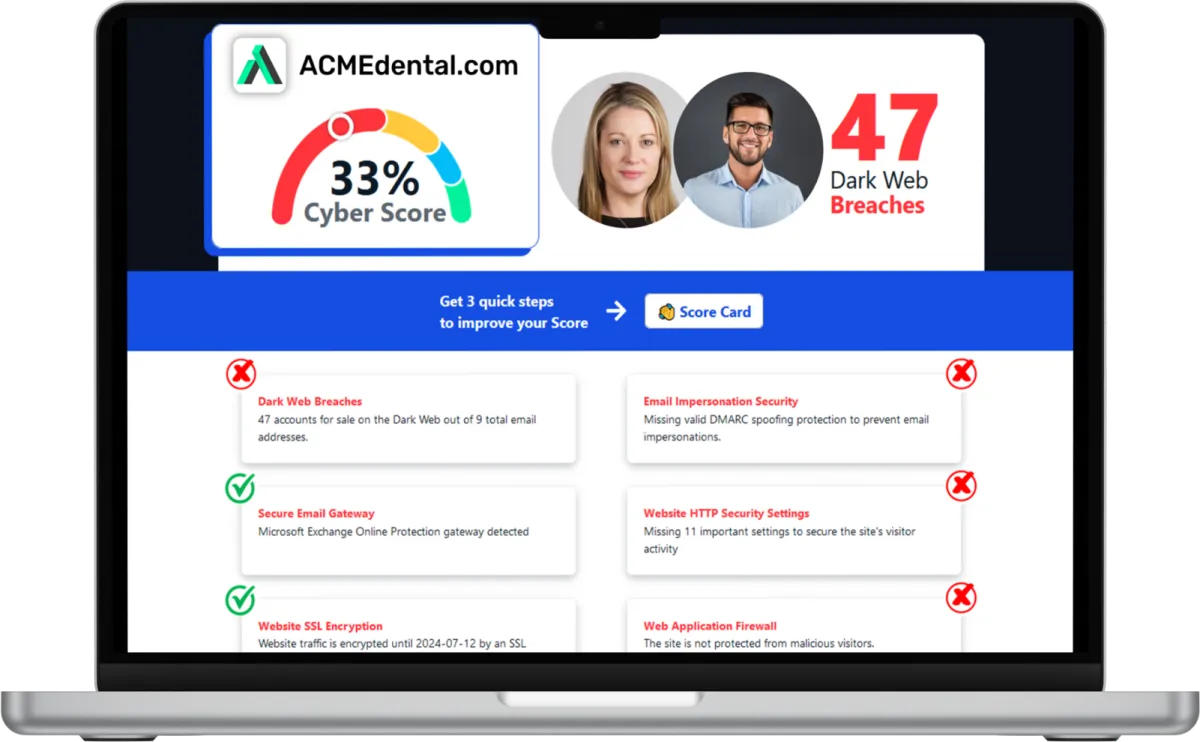
Want to see your Cyber Score?
Get it in 30 seconds!
IT Support That Makes a Real Difference
Faster Issue Resolution
IT support requests don't sit in a queue for hours. Our help desk responds quickly, and most issues get resolved the same day, so your team stays productive.
Reduced Unplanned Downtime
Problems are caught during monitoring, not after they've already affected your workday. Our IT support is designed to minimize the surprises that cost you time.
Stronger Cybersecurity Posture
We apply IT support that includes endpoint protection and threat monitoring, so your systems stay protected without your team having to manage it themselves.
Consistent Device Performance
Updates, patches, and maintenance run on schedule. Your devices stay current, and IT support addresses performance issues before they slow your team down.
How Can We Help?
Endpoint Management
Every laptop and desktop your team uses is a potential entry point for problems if it's not properly maintained. Updates get skipped, software goes unpatched, and devices fall out of compliance without anyone noticing. Our endpoint management keeps every device across your Madison office current, configured, and protected.
Automated patch management for operating systems and business-critical applications.
Endpoint monitoring for performance issues, errors, and hardware health.
IT support coverage for device configuration, replacement, and user onboarding.
Remote device management to handle issues without requiring an on-site visit.
Most Madison businesses are using some version of the cloud, whether it's Microsoft 365, file storage, or a mix of hosted applications. Managing those environments takes ongoing attention. Licenses get misconfigured, access permissions drift, and backups are often not set up the way people assume. We manage your cloud environment as part of your IT support, from initial Microsoft 365 migration services to keeping everything clean, accessible, and properly backed up.
Microsoft 365 management, including licensing, setup, and ongoing configuration.
Cloud storage and access controls to keep data organized and properly secured.
Remote work enablement so your Madison team can work from anywhere reliably.
Cloud backup monitoring to confirm that recovery options are in place and tested.
A security incident rarely announces itself. Phishing emails look legitimate. Ransomware spreads quickly once it's in. Businesses in Madison that don't have layered security in place often find out the hard way. We integrate cybersecurity tools directly into your IT support setup so protection is always active, not something added after an incident.
Email filtering and anti-phishing tools to reduce the risk of credential compromise.
Endpoint antivirus and threat detection across all devices in your environment.
Security awareness support so your team is less likely to fall for common attacks.
Incident response coordination in the event of a breach or suspected compromise.
What Clients Say About Us
Quick, Professional and Right On When I've Been in Need
"I sent a help ticket after work hours concerning something that I thought would be a "pretty big deal"; my work Chromebook screen was melted and I had no explanation for it. I wasn't put on trial, no in or out of school suspension, I didn't even get threatened with loss of recess ;) No questions were even asked and a new Chromebook was on my desk before I even arrived at school the next morning! Dependable Solutions has always been quick, professional and right on when I've been in need, quite often within minutes."

RHONDA GUENTZ
Wisconsin
The Understand Our Needs and Business
"The Dependable Solutions team has helped get our organization up to date with all of our IT needs. They have specialists in every area of IT and networks. A few short years ago we were severely deficient in many areas, but now we are up to date and can act proactively instead of reacting to IT issues. They operate as a partner and understand our needs and business. I would highly recommend!"

TYLER STAPLETON
Wisconsin
Quality IT Service
"Quality IT service provided by some of the smartest and kindest individuals I have met. This company will go out of their way to ensure you're up and running securely. By constantly contributing to charitable causes and helping out school districts/small businesses is not only admirable but I believe directly contributes to their success. Helping out those who need it most while helping to facilitate secure work and school environments is definitely worthy of a five star review."

NICK
Wisconsin
Professional, Knowledgeable and Cost Effective
"Excellent! Professional, knowledgeable, and cost effective. Choosing to outsource our company's IT needs was a risk that paid off, thanks to this team. They have the depth to understand all the various aspects of IT, from basic helpdesk questions to intense server and infrastructure development & implementation."

ANTHONY WEDGEWORTH
Wisconsin
Industry Insights and IT Best Practices
Stay informed on IT strategies, security tips, and industry insights to help your business in Madison stay resilient, efficient, and secure.
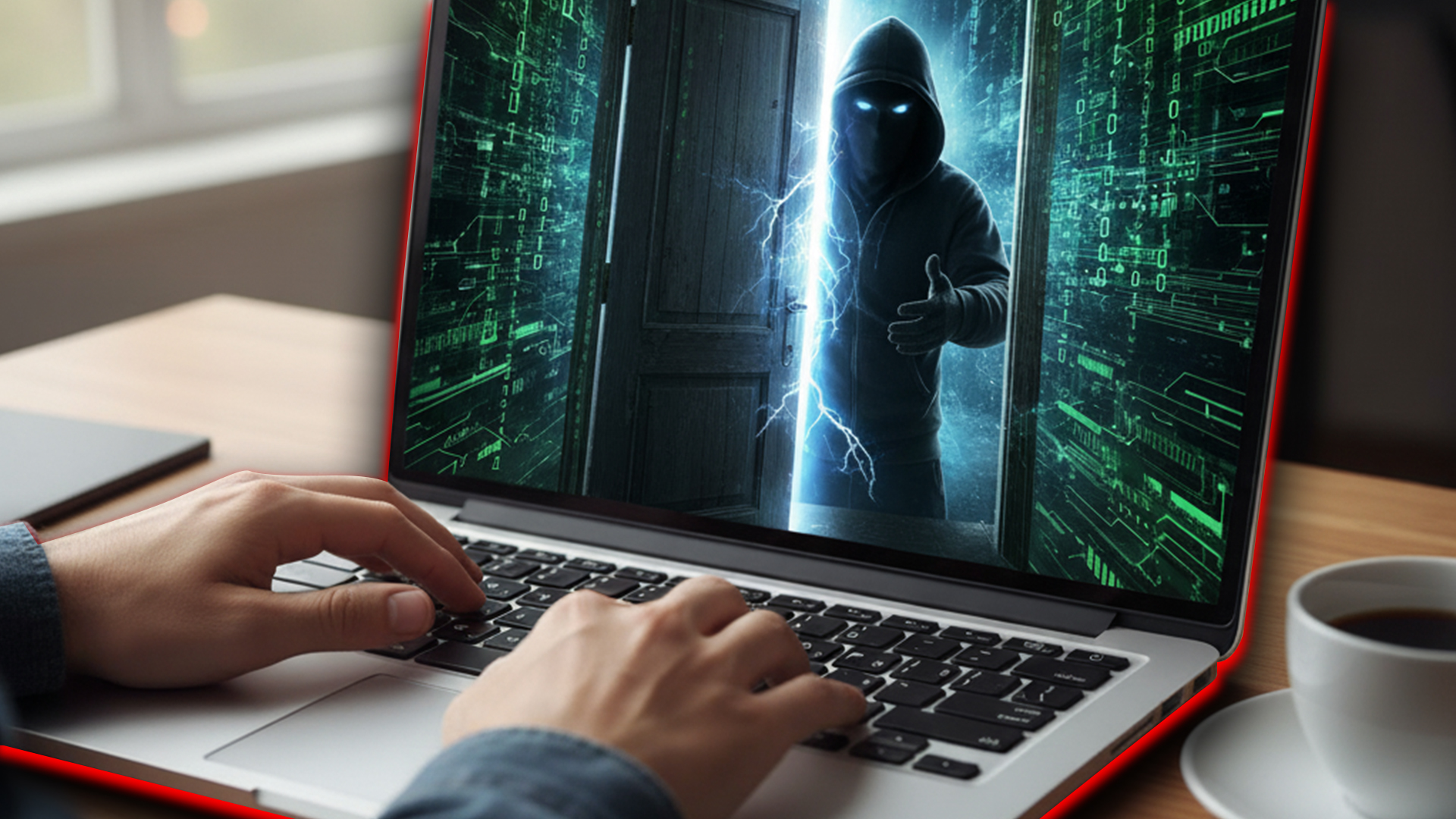
Guess Who’s Already Inside
Your phone is more than a phone. It is a wallet, a filing cabinet, a work desk, and a personal vault and hackers know it. The same goes for laptops and tablets, which store everything from financial records to business emails.
Cyber threats are no longer confined to corporate networks. Personal devices are prime targets, and one weak link can put both personal and professional data at risk. Ransomware and extortion incidents surged by 67% in 2023, showing just how aggressively cybercriminals are targeting individuals and businesses alike.
With remote work, cloud access, and bring-your-own-device policies, the line between personal and business security has blurred. A single compromised device can expose sensitive company data, making cybersecurity a shared responsibility, not just an IT department problem.
The good news is that protecting personal devices does not have to be complicated. This guide will show you how to stay safe, whether at home, on public networks, or anywhere in between.
Keep Devices Updated
Hackers love outdated software. When a device runs on an old operating system, or an app has not been updated in months, it becomes an easy target for cybercriminals looking to exploit security gaps.
Many cyberattacks take advantage of known vulnerabilities.. issues that have already been patched in newer updates. If a device is behind on updates, it essentially leaves the front door wide open.
To prevent any issues, turn on automatic updates for your operating system, apps, and security software so you never miss a fix. Beyond that, regularly update browsers, firmware, and plugins, especially for tools that handle sensitive data. Even a small delay in patching can leave a system exposed.
Use Strong Authentication
A weak password is like a flimsy lock on your front door. It might keep out casual intruders, but a determined hacker can break in with minimal effort.
Password breaches are one of the most common ways cybercriminals gain access to personal and business data. Once they crack one account, they often try the same password on other platforms, making reused passwords a huge security risk.
One of the best ways to prevent unauthorized access is by enabling multi-factor authentication (MFA) on important accounts, such as banking, email, and cloud storage. MFA requires a second form of verification, like a fingerprint or a one-time code, making it significantly harder for hackers to break in, even if they steal a password.
You also need strong, unique passwords for every account. Avoid simple, predictable choices like "password123" or birthdays. Consider using a password manager to generate and store complex credentials securely.
Secure Your Internet Connection
An internet connection is only as secure as the network it runs on. Unsecured Wi-Fi makes it easy for hackers to intercept sensitive information, steal credentials, and even take control of connected devices. Without proper security, cybercriminals can exploit weak routers, spy on internet traffic, or plant malware on a device before a user even realizes what happened.
To protect your network, start by using strong encryption on your home Wi-Fi. Modern routers support WPA3 encryption, which provides better protection against cyber threats than older WPA2 or WEP standards. Changing the default router password is also essential since many factory-set credentials are easy for attackers to guess.
Public Wi-Fi poses another major risk. If you must access sensitive accounts while on an unsecured network, use a VPN to encrypt your data and prevent unauthorized snooping.
Watch Out for Phishing and Scams
Hackers do not need sophisticated tools to steal data when they can simply trick people into handing it over. Phishing scams remain one of the most effective cyberattacks because they rely on deception rather than technical exploits.
Cybercriminals send fake emails, text messages, or create bogus websites designed to steal passwords, financial details, or other sensitive information. Clicking the wrong link or entering credentials on a fraudulent site can give hackers full access to personal and business accounts.
The best defense against phishing is caution. Research conducted in 2023 found that 10.4 percent of employees worldwide clicked on malicious links, and over 60 percent of those who clicked went on to submit a password on fake websites. This highlights just how easy it is for phishing scams to succeed.
Always think before you click on email links, especially those claiming to be from banks, subscription services, or government agencies. If an email asks for personal details or urges immediate action, it is a red flag. Before entering any information, check for HTTPS in the URL to confirm the site is secure.
Digital Security Is a Habit, Not a Task
Cybersecurity is not a one-time fix. It is a mindset, a habit, a way of engaging with technology that prioritizes caution over convenience. The devices we carry are vaults of personal and professional data, gateways to financial accounts, and, if left unprotected, invitations to cybercriminals.
Security does not have to be complicated, but it does have to be intentional. Updating software, enabling MFA, securing networks, and thinking twice before clicking are not just best practices.. they are digital self-defense. Just as we lock our doors at night without a second thought, protecting our personal devices should be second nature.

Frequently Asked Questions About IT Support Services in Madison
What is IT support?
IT support is the ongoing service that keeps your business technology working reliably. It includes troubleshooting, help desk access, network monitoring, and device management. We provide IT support as a structured, proactive service rather than a break-fix model, meaning we work to prevent problems before they affect your team.
Do you offer on-site IT support in Madison?
Yes. While many IT support issues can be resolved remotely, we also provide on-site support for Madison businesses when the situation calls for it. Hardware repairs, new office setups, and hands-on troubleshooting are all part of what we cover.
What are the benefits of cybersecurity services?
IT security services encompass measures and practices to protect your systems, networks, and data from potential threats. These services include but are not limited to network security, data encryption, access controls, vulnerability assessments, penetration testing, and incident response.
What cybersecurity protections are included with your IT support?
Our IT support includes endpoint protection, email filtering, patch management, and threat monitoring as part of your baseline security setup. Cybersecurity is built into how we manage your environment, not treated as a separate add-on.
What is the difference between IT support and managed IT services?
IT support typically refers to reactive help desk and troubleshooting services. Managed IT services, which we also provide, include proactive monitoring, strategic planning, and a broader scope of technology management. Many businesses in Wisconsin benefit from working together.
Move Your Business Forward with Reliable IT Services
If your business is dealing with slow systems, growing security concerns, or IT that feels like it's always one step behind, we're ready to help. As a local IT company, we understand how businesses in this area operate, and we build our IT services around that context.
Contact us today to connect with our team. Whether you need ongoing managed IT support, IT consulting on a specific project, or a full review of your current setup, we're here to make IT a straightforward part of running your business.
Call (855) 788-4805 today or click the button below to schedule your appointment. We’re ready to jumpstart your IT journey.
Subscribe to our newsletter
Subscribe to our newsletter for exclusive updates and insights delivered straight to your inbox!
© Copyright 2026 Dependable Solutions. Built with MSP Sites | Privacy Policy | IT Policy | Areas We Serve
Areas We Serve

